

Bring a pack into your favorite engine.
Move from graybox prototype to a clear, stylized scene in just a few clicks.
 Check out the pack
 01 Reward your players
02 Unity and Godot Ready
03 Huge chest variety
04 200 Icons included

Featured pack
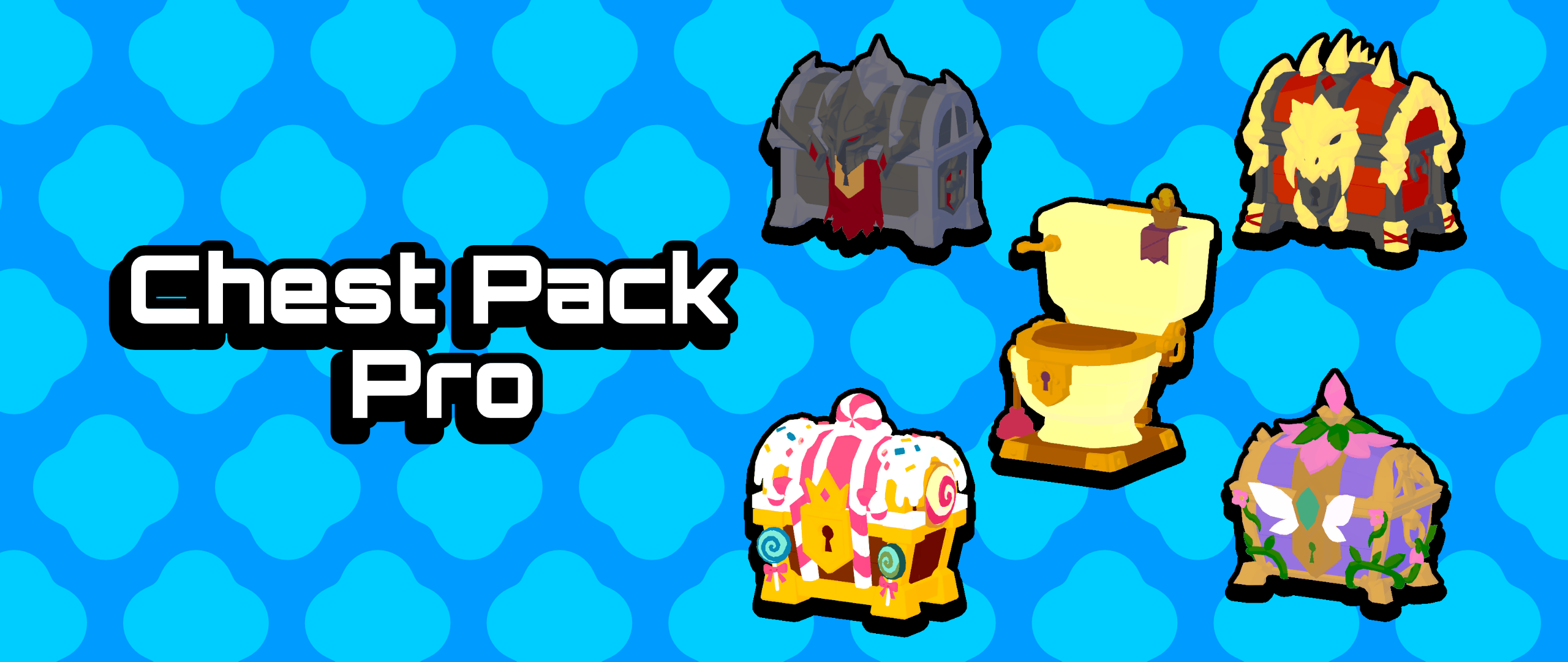
A complete reward-design toolkit built around 50 unmistakable chest themes. Use the closed and opened states to make loot moments read instantly, then match the silhouette to the rarity, faction, biome, or boss encounter.
3D Asset Packs
Explore the complete Chest Collection. Its product page includes artwork, contents, formats, licence information, and availability.
1 collection
Built for production
Move from graybox prototype to a clear, stylized scene in just a few clicks.
Use the included look as-is, or customize the flexible shader to match your game.
Start with the essentials already in place, so you can focus on building your game.
Questions, answered
This is one of the most common concerns developers have. Some players may notice an asset used in more than one game, but in practice that is a small percentage of players. Even multi-million-dollar games made by solo developers use asset packs here and there. The key is how much fun your game is and the experience you create around the assets.
Check the product page description: it includes icons for every supported engine. You can also export the models for use in your preferred engine. By default, our assets work in Unity first; we then port them to Godot and Unreal Engine.
We go above and beyond to set up every asset with:
If you find an asset that does not meet your quality standards, please reach out.
There are many ways to make our assets feel completely different. The most direct is changing the sliders in our Universal Low Poly Shader to give them a unique look; a few adjustments can take an asset from low poly to toon. We also provide customization tools such as the Color Palette Tool (coming soon) and compositor effects (coming soon) to restyle your game completely. You can mix and match our packs or combine them with your own models, too.
Replace the T_ColorTexture with a color palette you like. You can preview and create palettes with our Color Palette Tool (coming soon). Create different materials and assign each one a different color palette to build an original style.
When an asset pack includes humanoid characters, its animations are compatible with Unity Humanoid, Unreal Engine animations, and Mixamo. A retargeting step may be needed.
Yes. For more information, read the One-Time Purchase Licence Agreement or our Free Licence Agreement for permitted commercial uses, seat rules, and restrictions.
Read our Refund Policy for eligibility, request timing, and how to submit a refund request.
Your next world starts here
Open a product page, inspect the artwork and contents, then contact PolySets when a pack fits your project.
Explore asset packs